iOS and Android apps, built once, shipped to both stores.
Mobile app development in React Native, Flutter, Swift and Kotlin. We design, build and launch your app on the App Store and Google Play.
iOSApp Store
AndroidGoogle Play
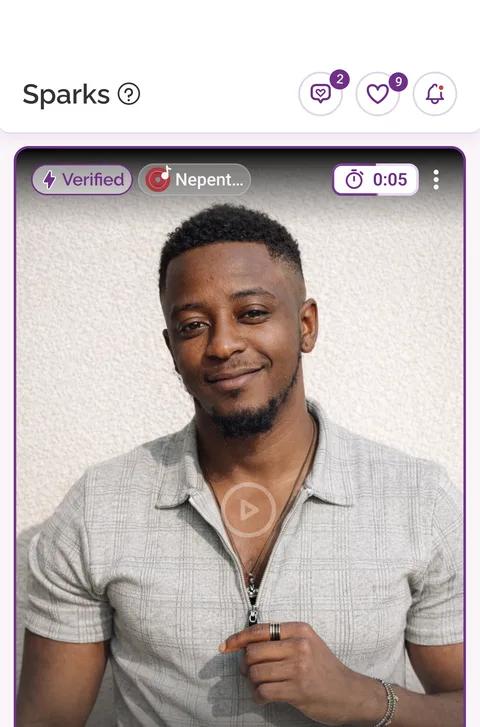
 FlintDatingSame screen, both phones
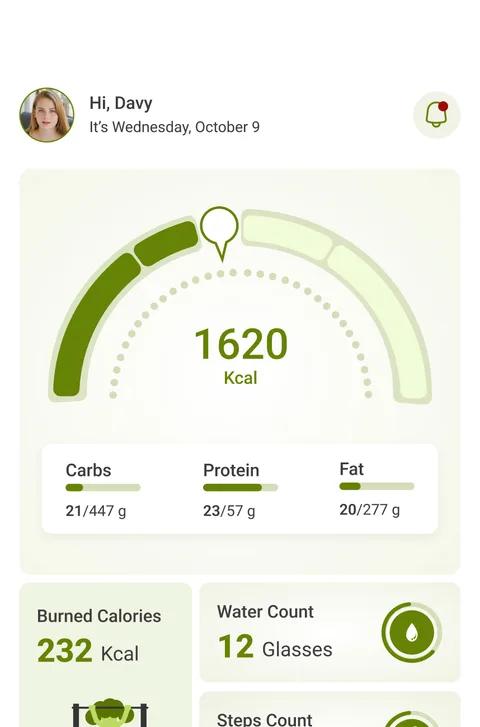
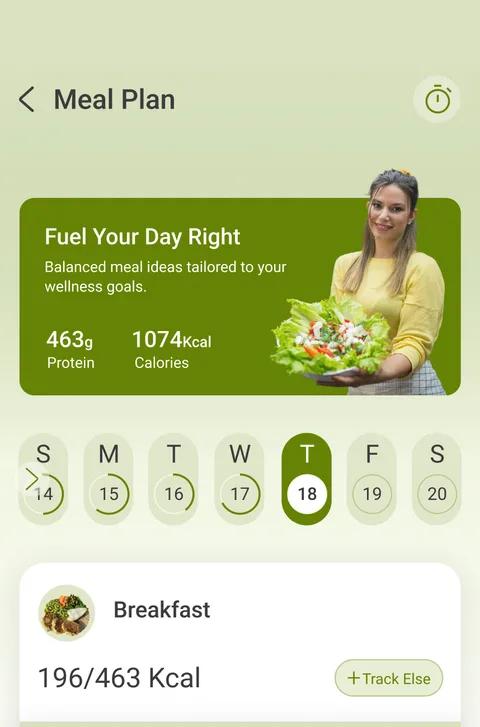
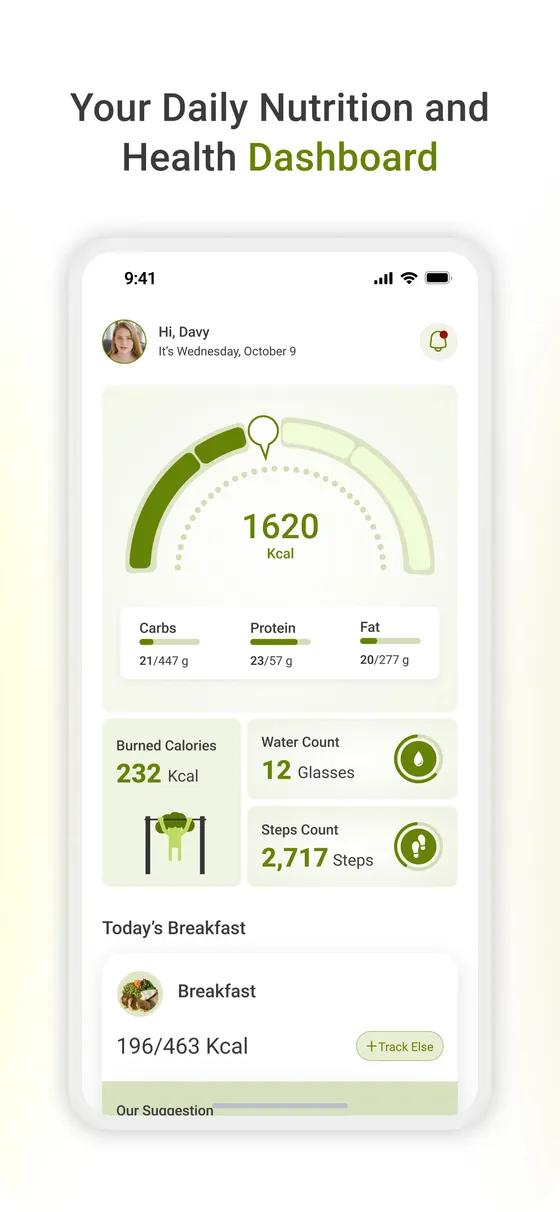
 Avodo
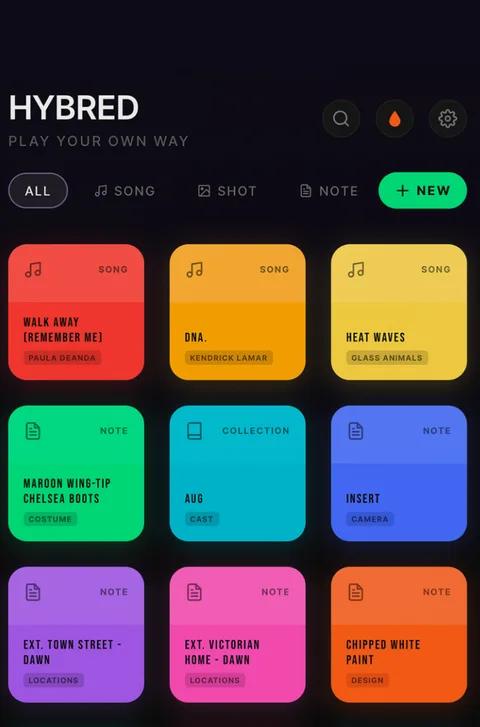
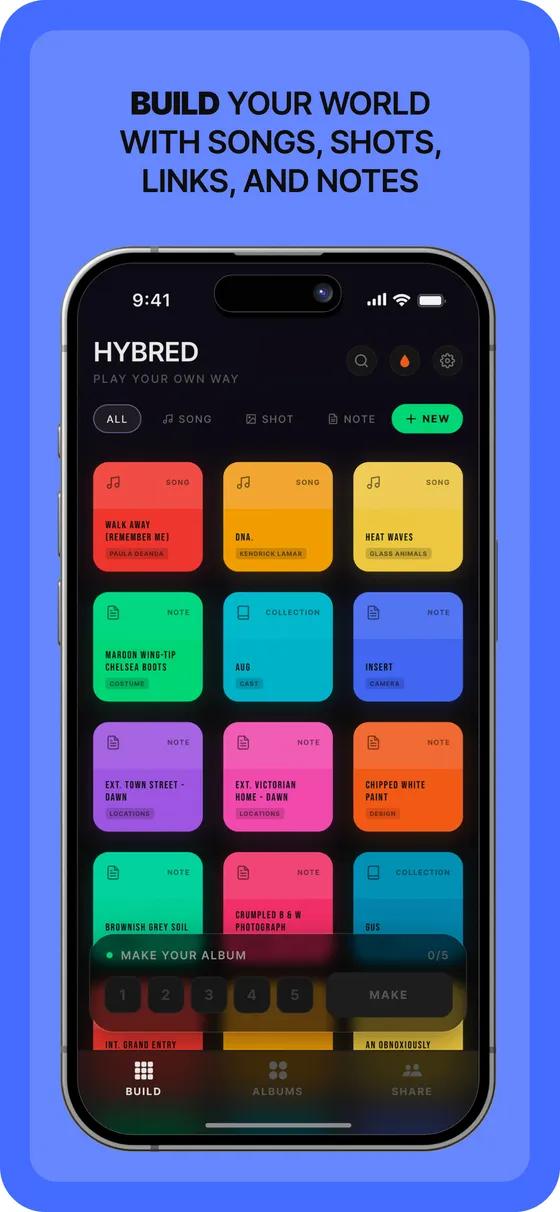
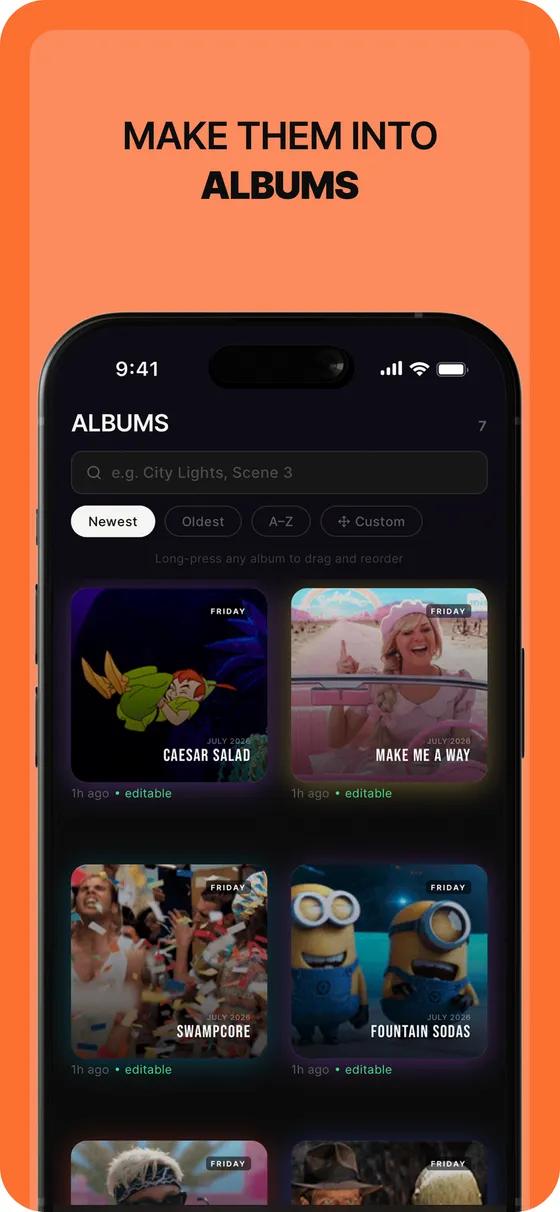
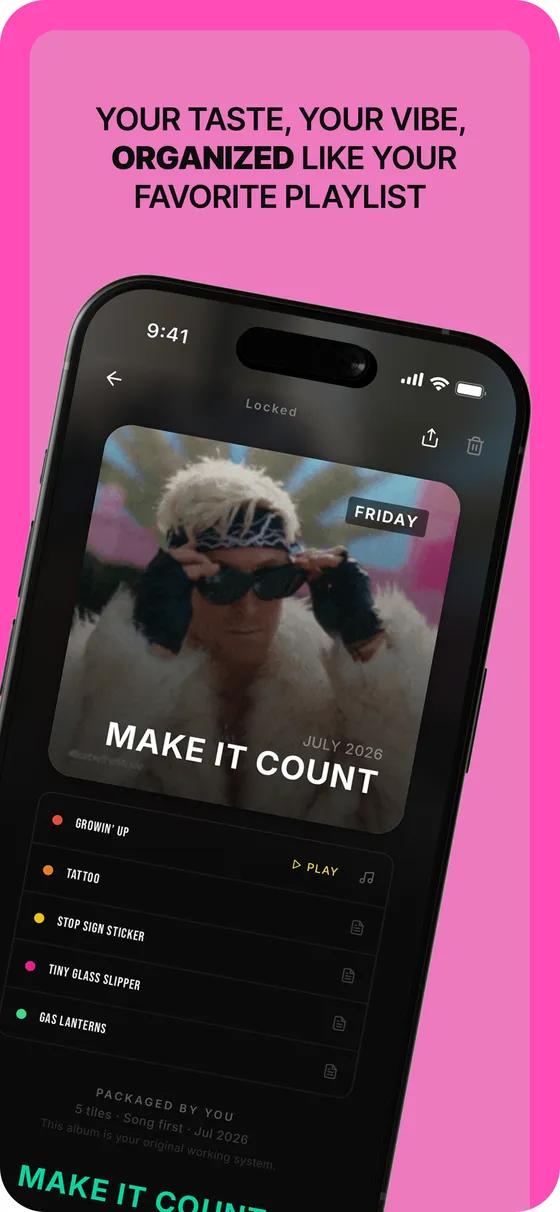
Avodo HYBRED
Pick the stack by what the app needs.
MoonDive's Mobile App Development services deliver custom iOS and Android applications using React Native, Flutter, and native toolchains. We build high-quality cross-platform apps focused on performance, UX, and scalable backend integrations to streamline workflows and increase user engagement. Projects range from rapid MVPs to fully branded production apps, supported by testing, deployment, and ongoing maintenance. MoonDive emphasizes measurable outcomes and iterative development to align product features with business goals.
- Founded
- 2022
- Projects delivered
- 25+
- Engineers, designers and AI specialists
- 50+
What does your app need?
Where we would start
- React Native (where we would start)
- Flutter
- Swift and Kotlin
One TypeScript codebase for both phones, close to the React your web team already writes, with native modules wherever the platform needs them.
A starting point, not a verdict. We confirm the choice with you during discovery.
Live in the stores, not in a slide deck.
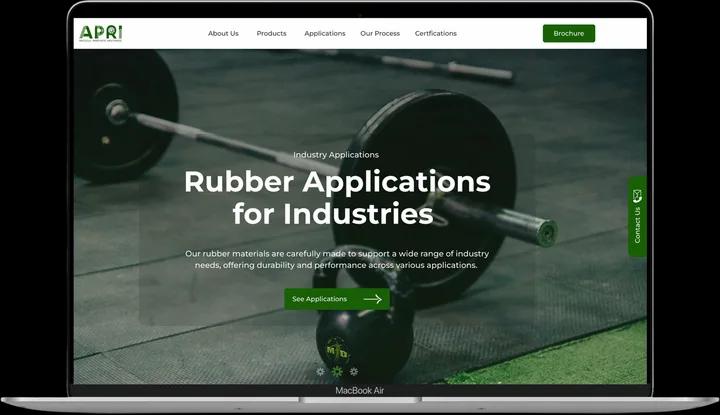
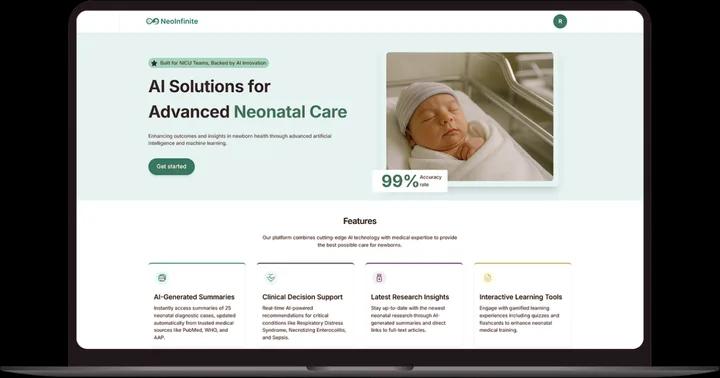
A few of the apps we have built, live on real phones today. Some are our own products, published by MoonDive; others we built for clients.
Our product, published by MoonDive
A dating app built around intent: short video profiles, verified members and an AI that helps plan the date.
What we built for Flint
- Video profiles
- Selfie verification
- Wingmate AI date planning
- Focus mode

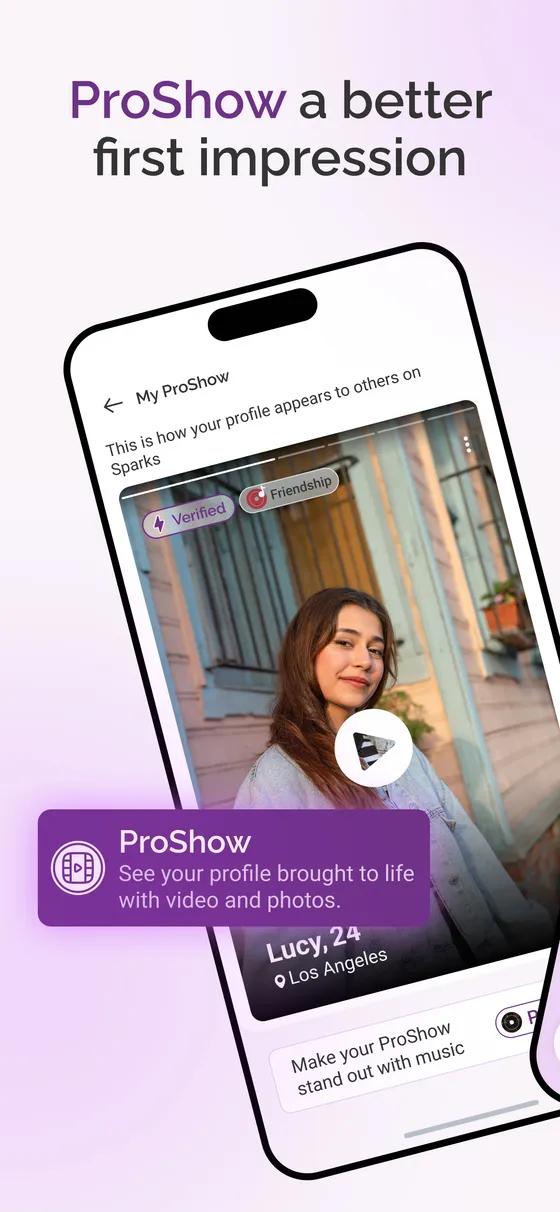
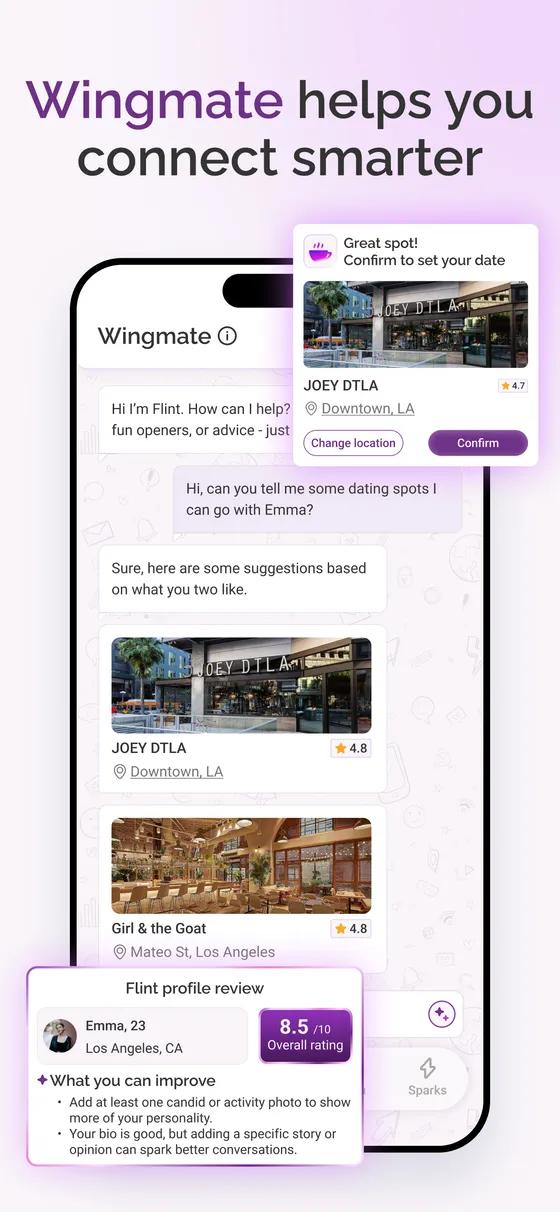

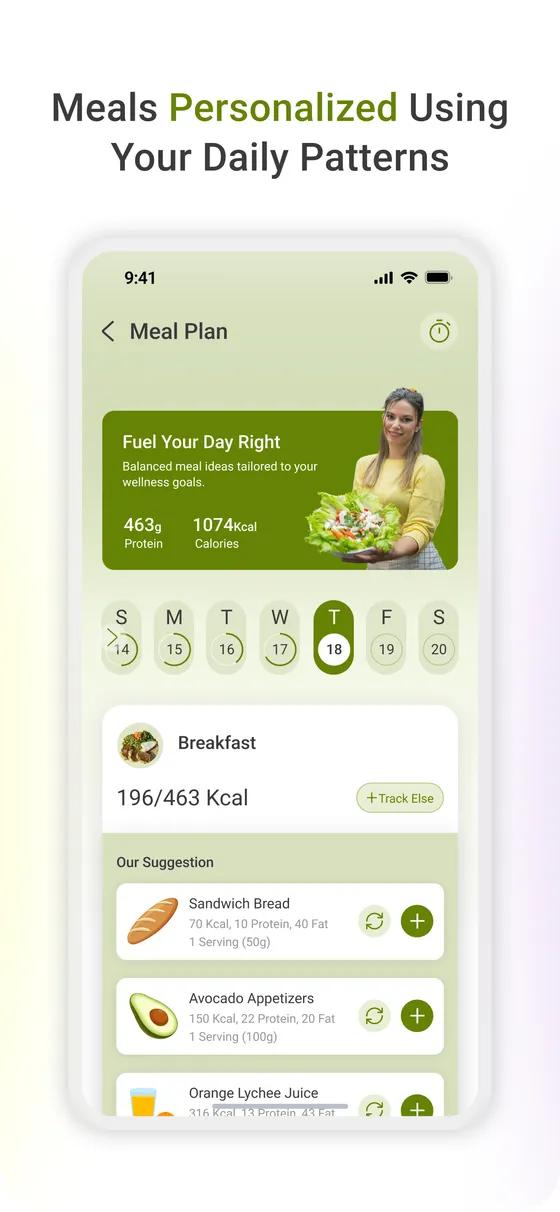
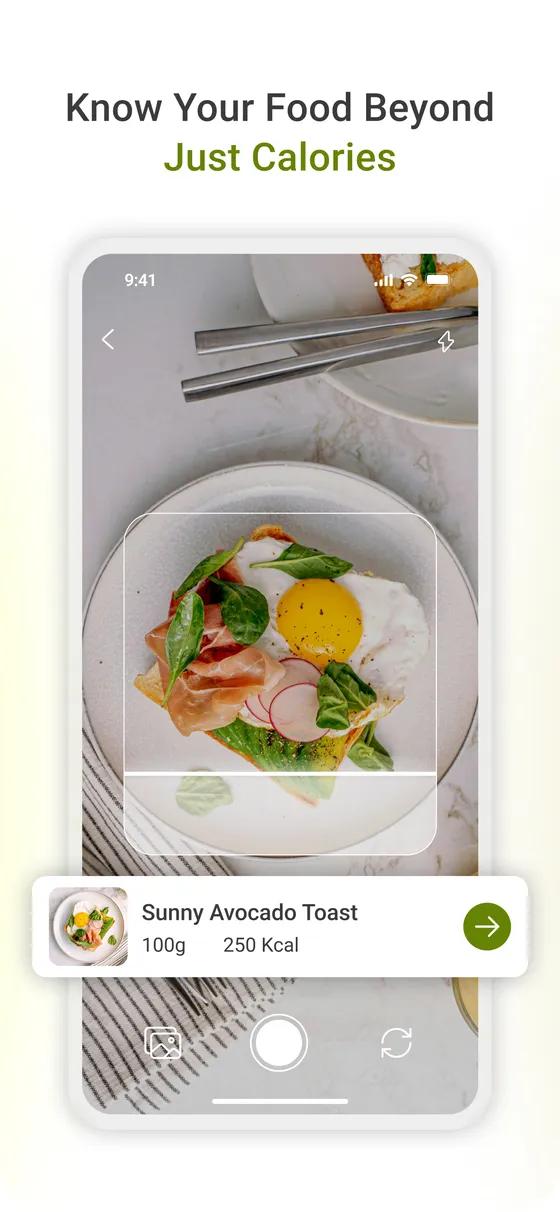

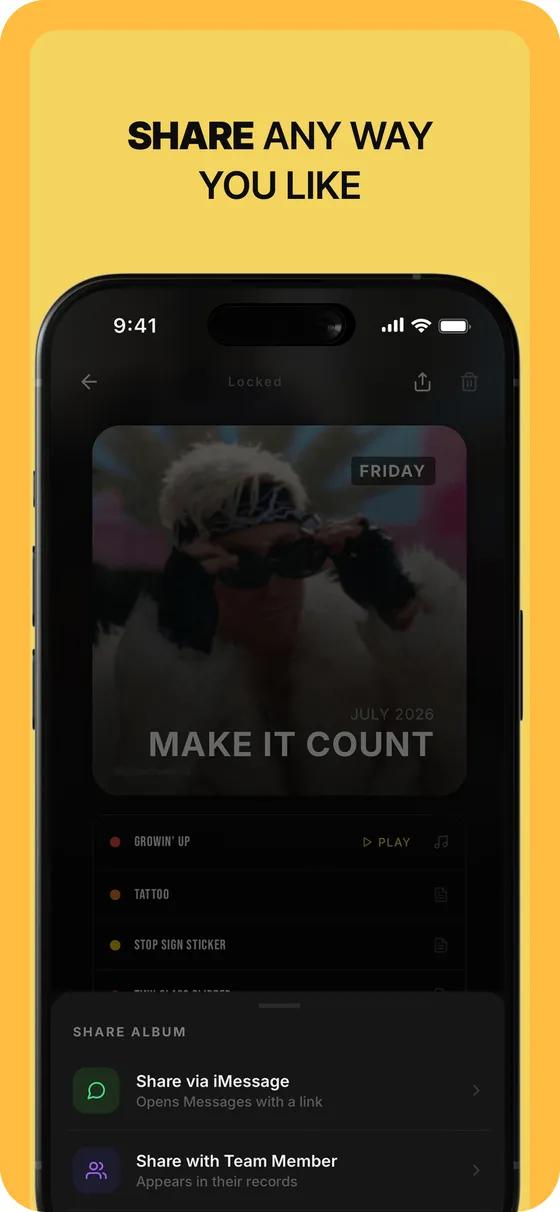
One feature, done right on both platforms.
Cross-platform shares the code, not the shortcuts. Each feature uses what iOS and Android provide.
Sign-in
Users get in with a glance or a tap, and never reset a password again.
- iOS
- Face ID, Sign in with Apple, passkeys
- Android
- BiometricPrompt, Credential Manager, passkeys
Notifications
The right message at the right moment, and a way to switch off the rest.
- iOS
- Apple Push Notification service, rich notifications
- Android
- Firebase Cloud Messaging, notification channels
Payments and subscriptions
Checkout and subscriptions that follow each store’s rules, so reviews go through.
- iOS
- StoreKit, Apple Pay
- Android
- Google Play Billing, Google Pay
Camera and on-device AI
Scanning, recognition and smart suggestions that run on the phone itself.
- iOS
- AVFoundation, Vision, Core ML
- Android
- CameraX, ML Kit
Location and maps
Maps, nearby results and live tracking that go easy on the battery.
- iOS
- Core Location, MapKit
- Android
- Fused Location Provider, Google Maps SDK
Offline and sync
The app keeps working on a train, then syncs when the signal returns.
- iOS
- Local storage, background tasks
- Android
- Room, WorkManager
Two stores, one release plan.
You see working software every week, on your own phone, from the first build to launch.
- 01
Discover
- What we do
- We agree what the first version must do, who it is for and which stack fits.
- What you get
- A scoped plan and a stack choice
- On iPhone and Android
- The same for both
- 02
Design
- What we do
- We design every screen as a clickable prototype you can try on your own phone.
- What you get
- A prototype that feels like the app
- On iPhone and Android
- Apple’s design guidelinesGoogle’s Material Design
- 03
Build
- What we do
- We build both apps from one codebase and release a new version every week.
- What you get
- A test version on your phone, every week
- On iPhone and Android
- Test versions via TestFlightTest versions via Google Play testing
- 04
Store review
- What we do
- We test on real devices, prepare the store listings and privacy answers, and submit.
- What you get
- An app approved by Apple and Google
- On iPhone and Android
- App Store reviewGoogle Play review
- 05
Launch
AI MVPs get here in 8-12 weeks- What we do
- We release to a share of users first, watch for problems, then open it to everyone.
- What you get
- Your app live in both stores
- On iPhone and Android
- Phased releaseStaged rollout
- 06
Improve
Ongoing- What we do
- We watch crashes and reviews, fix what users hit and ship regular updates.
- What you get
- A steady rhythm of updates
- On iPhone and Android
- The same for both
Teams who built with us.
MoonDive is the name I would recommend to anyone seeking a committed custom application development company. Our relationships covered multiple areas such as software development of server-based systems with desktop and mobile apps, software testing, software consulting and integration. I really want to appreciate MoonDive team for work done in less time and effectively.
 Mohit MittalCo-founder & CEO, Moresmores.in
 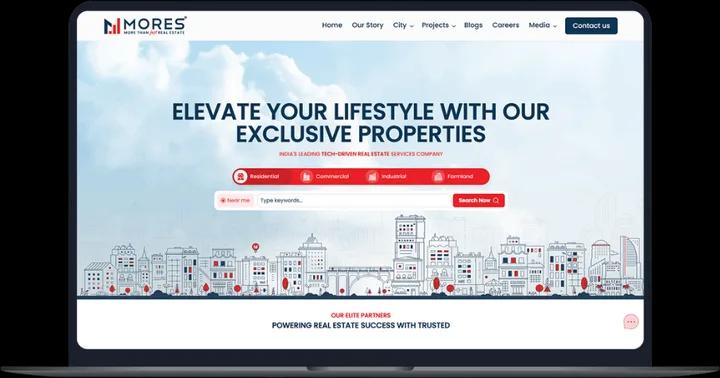 Read the case study




Questions teams ask about app development.
Should I build native (Swift/Kotlin) or cross-platform (React Native/Flutter)?
For most apps, choose cross-platform React Native/Flutter. It lets you launch on iOS and Android with one codebase, usually 6–8 weeks faster, with 90–95% native performance. Choose native only if you need maximum performance (gaming, AR/VR), access to latest iOS/Android features immediately, or have platform-specific requirements like Apple Watch or widgets. We recommend React Native for 80% of apps, successful companies like Instagram, Uber Eats, and Shopify use it.
What's the difference between React Native and Flutter?
React Native: Uses JavaScript, backed by Meta, has a large developer pool and rich third-party libraries. Performance is near-native (60 FPS). Easier to hire if you have web developers familiar with React. Flutter: Uses Dart, backed by Google, excels in animations and provides a consistent UI across platforms. Hot-reload is faster, and performance is also near-native (60 FPS). Recommendation: Use React Native if leveraging existing React skills, and Flutter if starting fresh and prioritizing best-in-class UI. Both are production-ready: Alibaba uses Flutter; Microsoft uses React Native.
How long does mobile app development take?
Mobile app development timelines depend on complexity: • Simple app (5–8 features): 8–12 weeks • Medium app (8–12 features, APIs): 14–20 weeks • Complex app (25+ features, real-time, AI): 24–40 weeks Typical process: 1. Discovery & Planning — 1–2 weeks 2. UI/UX Design — 2–4 weeks 3. Development — 4–16 weeks (based on complexity) 4. Testing & QA — 2–4 weeks 5. App Store Submission — 1–2 weeks We work in 2-week sprints for continuous progress and transparency. Fastest launch: 6 weeks for a cross-platform MVP Most common: 12–16 weeks for a full-featured production app.
Do I need both an iOS and Android app?
Whether you need iOS and Android depends on your target users: • US & Western Europe: Start with iOS (63% market share, higher-spending users) • Emerging markets (India, SE Asia, Latin America): Start with Android (70–85% market share) • B2B apps: Often iOS first, as executives prefer iPhones We recommend analyzing where your users are, launching on that platform first, then expanding. With cross-platform development, you can launch both simultaneously.
What features are most complex in mobile app development?
Some mobile app features are more complex to build than others. Real-time functionality like chat, live tracking, or notifications requires WebSocket infrastructure. Video and audio streaming demands CDN setup and codec optimization, while AI/ML features such as recommendations or image recognition involve model training and deployment. Complex animations and custom UI take significant design effort, and payment processing (Stripe, PayPal) must be fully PCI-DSS compliant. Social features like sharing, comments, and feeds require moderation and scalability, and implementing an offline mode with data sync involves complex conflict resolution. At MoonDive, we help prioritize these features to maximize value within your timeline and budget.
Will my app work offline?
Offline functionality adds extra development time and comes in three levels. No offline requires an internet connection and is simplest, suitable for most apps. Read-only offline lets users view previously loaded content and add 2–3 weeks of development. Full offline with sync allows creating or editing offline and syncing when online, taking 4–6 extra weeks and requiring complex conflict resolution. Apps that benefit from offline include field service, travel, note-taking, and content apps, while apps like social media, live shopping, dating, and food delivery usually don’t need it. For an MVP, we recommend starting without offline and adding it later based on user feedback.
How do you ensure my app is secure?
We follow industry-leading security practices to protect your app and users: 1. HTTPS/SSL – All API communications are encrypted for safe data transfer. 2. Secure Authentication – OAuth 2.0, JWT tokens, and optional biometric login. 3. Data Encryption at Rest – Sensitive data protected with AES-256 encryption. 4. Secure Payment Handling – PCI-DSS compliant; we never store card details. 5. Code Obfuscation – Protects your app against reverse engineering. 6. Penetration Testing – Conducted before launching to identify and fix vulnerabilities. 7. Regulatory Compliance – GDPR/CCPA for data privacy; HIPAA for healthcare apps; bank-grade audits for fintech. We’ve successfully delivered 25+ apps in regulated industries with zero security breaches, ensuring both reliability and trust.
Can you integrate my app with existing systems?
Absolutely! We specialize in seamless integrations to ensure your app connects smoothly with the tools you already use. Common integrations include: • CRM systems: Salesforce, HubSpot • Payment gateways: Stripe, PayPal, Razorpay • Analytics platforms: Google Analytics, Mixpanel, Amplitude • Cloud storage: AWS S3, Google Cloud • Email & SMS: SendGrid, Twilio • Maps: Google Maps, Mapbox • Social login: Google, Facebook, Apple • Custom APIs: We can connect to any existing system with an API. With experience in 100+ third-party integrations, we make sure your app works effortlessly within your business ecosystem.
Do you handle App Store and Google Play submission?
At MoonDive, we manage the entire app submission process to make your launch effortless. Our team handles developer account setup App Store Optimization with the right keywords, descriptions, and visuals, and ensures full guideline compliance. We oversee submission, approval tracking, and quickly resolve any rejections. Typically, Apple reviews take 1–3 days with a 98% first-time approval rate, while Google Play reviews take 3–7 days. From the final build to live release, the process usually takes 1–2 weeks. We also manage future updates, reviewed within 24–48 hours on iOS and 1–3 days on Android, ensuring your app stays current and optimized.
What happens if my app gets rejected from the App Store?
App Store rejections are common; around 30% of first submissions face them, but at MoonDive, we know how to handle them effectively. Common rejection reasons include incomplete submission details, app crashes or bugs, missing privacy policies, content guideline issues, or unclear functionality. To avoid these, we strictly follow Apple and Google guidelines, conduct extensive pre-launch testing, and provide clear review notes with demo accounts for testing. If a rejection occurs, our team fixes the issues and resubmits within 48 hours at no extra cost. With experience submitting 25+ apps and maintaining a 98% approval rate, MoonDive ensures your app gets approved and live as quickly as possible.
Can I see my app before it's finished?
Absolutely! At MoonDive, we maintain full transparency throughout the development process. In weeks 2–3, you’ll receive interactive Figma designs for review, and from week 4 onward, we share biweekly builds via TestFlight (iOS) and APK (Android). You also get live access to a staging environment, allowing you to test features in real time. We conduct weekly demo calls to walk you through progress and gather feedback, and you’ll stay connected through a dedicated Slack or Teams channel for daily updates. You can test your app on your own phone at every stage, and with 92% of our clients feeling highly involved, we make sure your vision stays at the center of development.
What if I want to add features after launch?
Of course! At MoonDive, we regularly help clients enhance their apps post-launch. You share the feature idea; we define it, estimate scope and timeline, then develop and test it before updating the store. Simple features take 1–2 weeks, medium ones 3–4 weeks, and complex ones (chat, video, AI) 6–12 weeks. We also offer quarterly feature packages; most clients add 3–5 major updates in their first year.
How do you handle post-launch support and maintenance?
MoonDive offers ongoing support through a monthly retainer covering bug fixes, minor updates, OS compatibility, performance checks, and security patches. Critical bugs are resolved within 24 hours, and we also provide quarterly feature release plans. We maintain apps long-term for 95% of clients and include 30 days of free bug fixes after launch.
 Flint
Flint Avodo
Avodo HYBRED
- Your app
Apps we built are in the stores. Yours is next.
Book a free call with the engineers who would build it. We will help you pick the stack and plan the first version.